
🎯 The core idea
Computers and Supercomputers sit behind more sub-chains than almost any other item in Satisfactory — Circuit Boards, Quickwire, Cable, Plastic, AI Limiters, Crystal Oscillators and High-Speed Connectors all have to arrive at once for a single Supercomputer to come out the other end. This guide follows a real playthrough where the creator imports a massive pre-built community blueprint — an "Electronics Factory" that makes Computers, Supercomputers, Crystal Oscillators, Circuit Boards, High-Speed Connectors and AI Limiters all in one structure — and walks through hooking it up, running it, and fixing the one real production jam that shows up on camera. Alongside that, this guide lays out the wiki-verified recipe and per-minute ratio behind every product the factory makes, so you can use the numbers to plan your own version at any scale, blueprint or not.
- free costs nothing
- cheap small cost
- setup needs preparation
- grind pays off slowly
- skip the thing to stop doing
The scale of a real electronics mega-factory

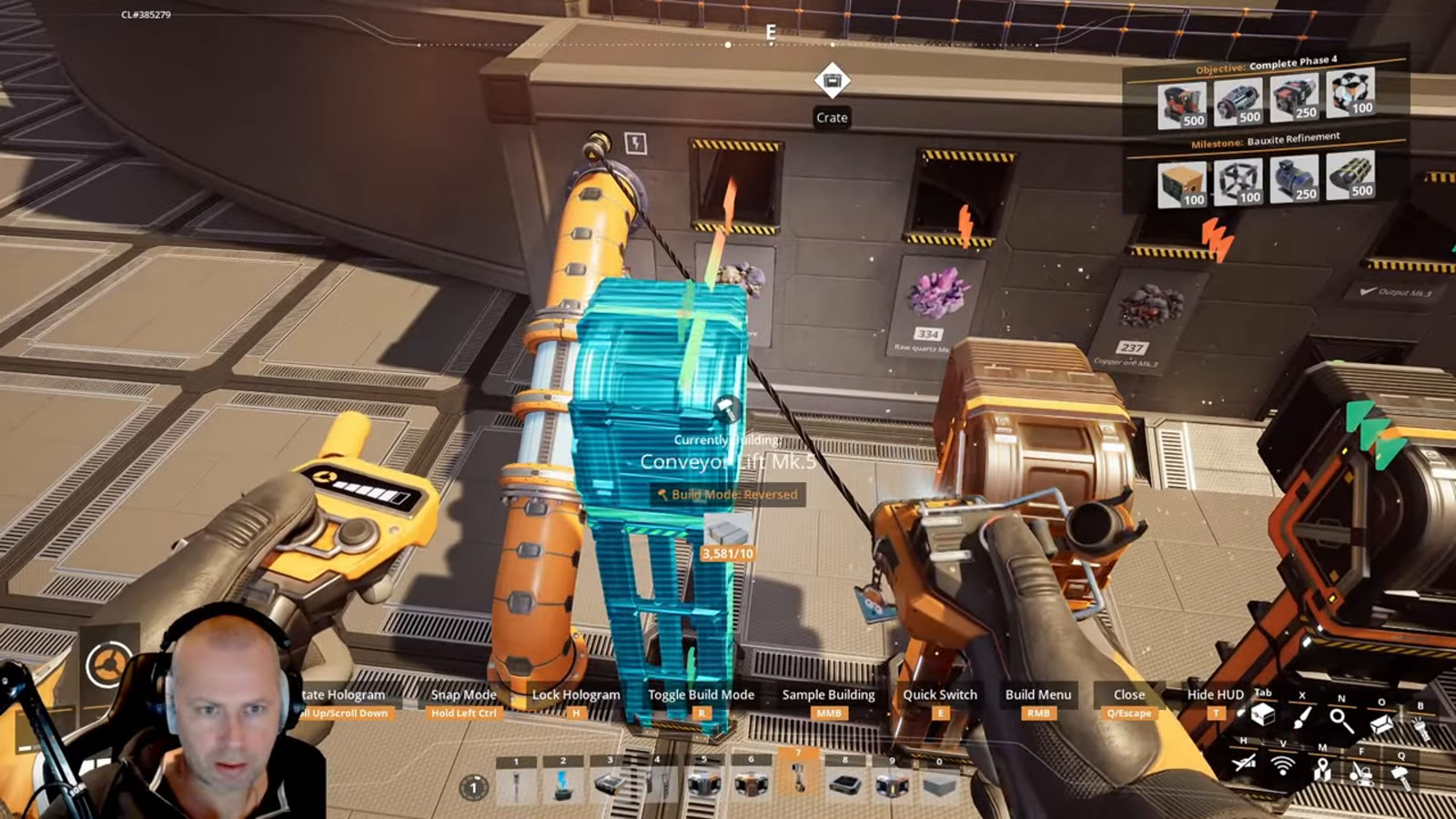
Before a blueprint like this can even be placed, it demands a genuinely large materials stockpile: thousands of steel beams alongside industrial cases, iron plate and more, gathered from existing stock and topped up on the spot. This build also needs a blueprint capacity upgrade — around 200 blueprint slots — just to hold a design this size, which is itself worth checking before attempting to import a mega-blueprint of this scope. If you're planning a computer factory at this scale, budgeting time to gather materials first (rather than discovering a shortfall mid-placement) is the practical first step, blueprint or scratch-build alike.
Placing a build that can crash your game

The blueprint itself covers roughly 5,000 foundation tiles once placed — large enough that the creator explicitly worries about it crashing the game during placement. A build at this scale needs a genuinely large, flat plateau to drop onto, and placing it is closer to a one-shot commitment than an easy trial-and-error process: once it's down, repositioning a structure this size is far more disruptive than nudging a single machine. If you're adapting this idea rather than using the exact blueprint, treat the footprint as the first constraint to solve, before laying out a single Assembler.
Six raw inputs, plus water

This one factory needs caterium ore, copper ore, raw quartz, limestone, plastic, rubber and water simultaneously — six solid or liquid inputs feeding a single structure. In this playthrough, plastic and rubber arrive by train from elsewhere in the save, while caterium, copper and raw quartz are mined locally and water comes from Water Extractors piped in underneath. That's a meaningfully wider input list than a single-product factory like a Circuit Board or Quickwire line needs, which is the practical cost of consolidating this many sub-chains into one building: more feeder infrastructure has to arrive before the machines inside can run at all. Quickwire in particular ends up feeding three separate lines at once here — AI Limiter, standard Circuit Board's Caterium alternate, and the Caterium Computer alternate below — which makes it the most common computer factory bottleneck once you scale a build like this past a single Manufacturer.
Hauling ore in by train

Rather than piping caterium and raw quartz in from a nearby node, this build hauls both in by a dedicated train with several freight cars, self-driving between the mining outpost and the factory. Getting the loading station configured correctly took some trial and error on camera — one station initially had a car set up wrong and had to be reconfigured before the train would actually pick up cargo — a reminder that a multi-car freight loop is worth testing empty before assuming it's wired correctly. For a factory that consumes as much caterium as this one (feeding Quickwire, Circuit Boards and AI Limiter lines all at once), a dedicated supply train is a reasonable investment rather than overkill.
Eight outputs, eight lines

Everything the factory makes exits through one central hub with eight separate outputs: Supercomputer, Computer, Crystal Oscillator, Circuit Board, High-Speed Connector, AI Limiter, plus excess Quartz Crystal and Silica that the intermediate recipes don't fully consume. The blueprint's own stated output rates — roughly 1.8 Supercomputers, 10 Computers, 10 Crystal Oscillators, 15 Circuit Boards, 5 High-Speed Connectors and 5 AI Limiters per minute — line up closely with the wiki-confirmed per-machine rates below once you account for running several machines of each type in parallel, which is a good sign the blueprint's internal ratios are built correctly rather than eyeballed.
The recipes behind the output numbers

Every product this factory makes has a wiki-confirmed recipe worth knowing regardless of whether you use this exact blueprint. A Computer needs 4 Circuit Board + 8 Cable + 16 Plastic per craft on a Manufacturer (24 seconds), scaling to 10 Circuit Board, 20 Cable and 40 Plastic per minute in for 2.5 Computers per minute out at full clock — that per-minute Computer ratio is worth memorizing since it recurs in every downstream recipe that needs Computers. An AI Limiter needs 5 Copper Sheet + 20 Quickwire per craft on an Assembler (12 seconds), scaling to 25 Copper Sheet and 100 Quickwire per minute in for a clean 5 AI Limiters per minute out — which matches this build's own stated AI Limiter output exactly. A Crystal Oscillator needs 36 Quartz Crystal + 28 Cable + 5 Reinforced Iron Plate per craft on a Manufacturer (120 seconds), scaling to 18 Quartz Crystal, 14 Cable and 2.5 Reinforced Iron Plate per minute in for 1 Crystal Oscillator per minute out. Finally, a Tier 7 Supercomputer needs 4 Computer + 2 AI Limiter + 3 High-Speed Connector + 28 Plastic per craft on a Manufacturer (32 seconds), scaling to 7.5 Computer, 3.75 AI Limiter, 5.625 High-Speed Connector and 52.5 Plastic per minute in for 1.875 Supercomputers per minute out — that 1.875 figure is what the video's own on-screen "1.8" Supercomputer output rate is rounding down from, a genuine match between the build and the wiki rather than a coincidence.
Worth considering if your electronics factory layout already leans on Quickwire: the Caterium Computer alternate (4 Circuit Board + 14 Quickwire + 6 Rubber → 1 Computer on a Manufacturer, 16s, scaling to 15 Circuit Board, 52.5 Quickwire and 22.5 Rubber per minute in for 3.75 Computers per minute out) drops Cable and Plastic entirely in exchange for heavier Quickwire and Rubber demand.
Two alternate recipes are worth knowing for the Supercomputer step specifically: the Caterium Computer alternate above feeds into it just like a standard Computer would, and a separate Super-State Computer alternate (3 Computer + 1 Electromagnetic Control Rod + 10 Battery + 25 Wire → 1 Supercomputer, Manufacturer, 25s, scaling to 2.4 Supercomputers per minute) trades the AI Limiter and High-Speed Connector inputs for Batteries and Electromagnetic Control Rods instead — a real option, but one that pulls in a much deeper nuclear-adjacent supply chain most players won't have running this early.
When a byproduct clogs the whole line

The one real production problem this build hits on camera is a byproduct backup: excess Silica clogged the shared output system and appeared to stall the High-Speed Connector line specifically, and it took roughly an hour of real playtime before the cause was identified and the Silica line was manually diverted to an AWESOME Sink to restore flow. This is a useful, concrete lesson for any multi-output factory: a byproduct with no dedicated overflow path doesn't just sit idle, it can back up far enough to interfere with an entirely different product line sharing the same belt or floor. Planning a Sink connection for every byproduct stream before turning a complex build on for the first time would have caught this before it cost an hour.
Seeing it run

Once the backlog cleared, the factory settles into steady output across all eight product lines, and — as with any build this large — filling every buffer and getting every machine to 100% efficiency took roughly half an hour of real time after the last connection went in. That's a realistic expectation to set for a factory of this scale, blueprint or hand-built: the machines running doesn't mean the numbers are meaningful yet, and it's worth letting a build like this run untouched for a while before judging whether the ratios actually hold up.
How this guide was fact-checked
Every recipe cited here — Computer (standard and Caterium alternate), AI Limiter, Crystal Oscillator, Supercomputer (standard and Super-State alternate) — along with every per-minute figure derived from them, is confirmed on the current Satisfactory Wiki. Two of those figures cross-check directly against the source video's own on-screen numbers: the wiki's 5-per-minute AI Limiter rate at full clock matches the blueprint's own stated AI Limiter output exactly, and the wiki's 1.875-per-minute Supercomputer rate is what the video's own "1.8" figure rounds down from — both genuine agreements rather than coincidences. The build's raw input list, the blueprint footprint and slot requirement, the train logistics and loading-station fix, the eight-way output split and the Silica backup that stalled the High-Speed Connector line all come directly from the source video's own playthrough, which doesn't itself cite the wiki and is presented here as the practical, on-the-ground half of this guide.
What this guide doesn't answer
This guide is built around a community blueprint the creator imported rather than assembled by hand on camera, so it doesn't cover exact foundation dimensions, machine placements or a recreatable build order for the factory itself — that information lives inside the blueprint file, not in the footage. It also doesn't compare the Caterium Computer, standard Computer and Super-State Computer paths head-to-head on total resource cost; that comparison would need its own dedicated alternate-recipes breakdown to do properly. Finally, it doesn't cover what caused the Silica backup in mechanical detail (belt priority, splitter configuration, or buffer capacity) beyond what's visible on screen — the video identifies the symptom and the fix but not the underlying routing decision that created it.