
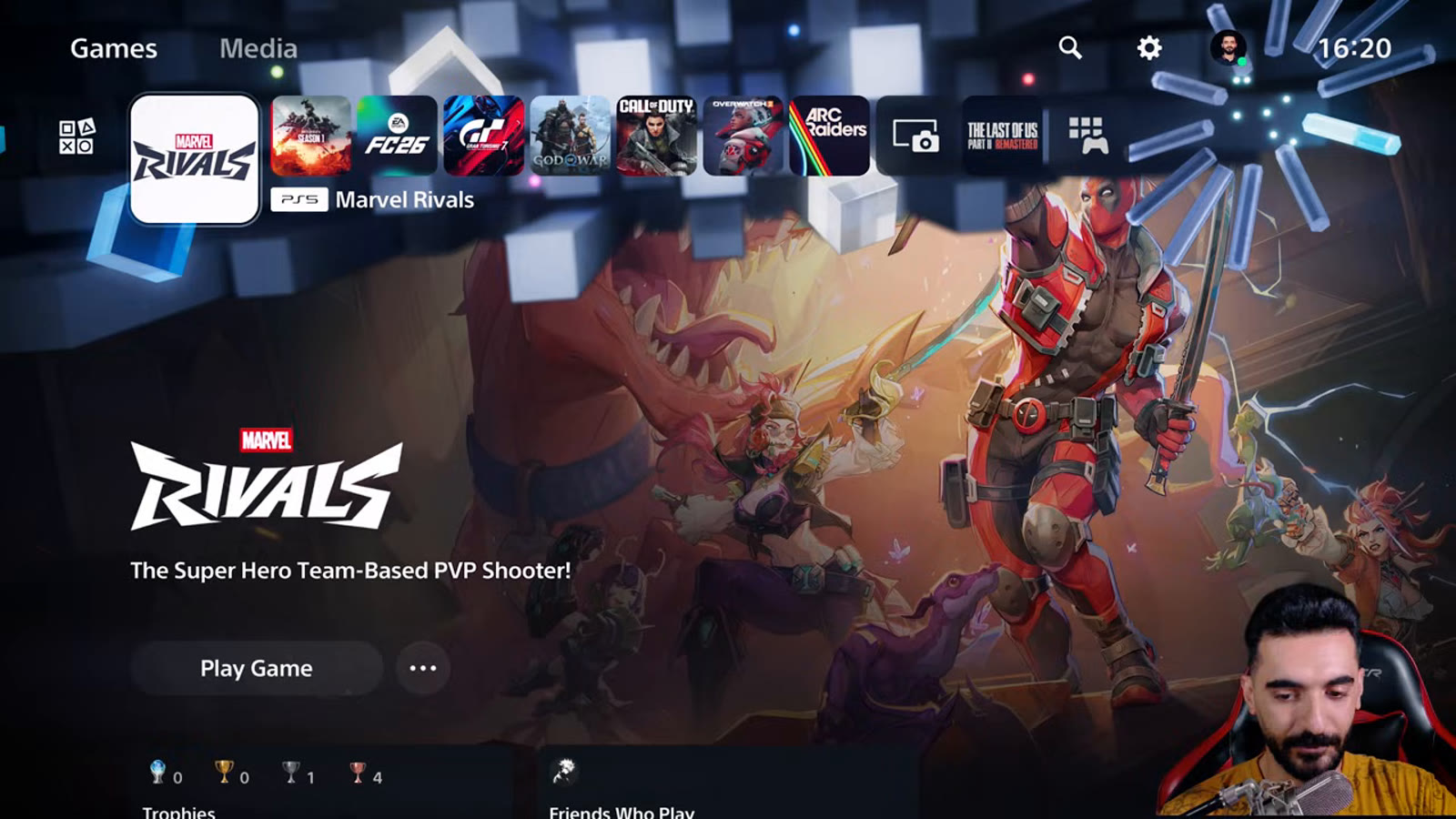
🎯 The core idea
A creator who benchmarks controller input latency with real millisecond measurements tested Marvel Rivals on PS5 with a stopwatch-grade setup — DualSense and DualSense Edge, USB and Bluetooth, every graphics mode — and found one console setting alone is worth an 8-9 ms drop in delay: turning off controller vibration completely.
This guide is PS5-specific — every measurement below comes from testing on DualSense and DualSense Edge controllers. See "What this guide doesn't answer" for how that carries over to Xbox.
- free costs nothing
- cheap small cost
- setup needs preparation
- grind pays off slowly
- skip the thing to stop doing
Connection method: USB beats Bluetooth

Both DualSense and DualSense Edge were tested over USB (front USB 3.2 port, official cable) and Bluetooth, averaged across 10 tests per mode for both buttons and the right stick.

Bluetooth measured 53 ms for Edge and 56 ms for standard DualSense, with button latency nearly identical between the two pads over Bluetooth. These numbers are flagged as less reliable than the USB figures — the testing environment for this video had over 20 nearby Bluetooth and 2.4 GHz devices, versus the interference-free room used for earlier tests, so treat the Bluetooth gap as approximate rather than exact.

The creator runs the actual subtraction on screen rather than just quoting a number — a small detail, but it's part of why these figures read as measured rather than estimated.
Graphics Mode: HFR over Pro Mode

HFR Mode targets up to 120 FPS and is described in-game as providing smoother gameplay and lower input latency, while Pro Mode targets a stable 60 FPS with enhanced Lumen global illumination and reflections. Measured directly: Pro Mode added roughly 24 ms of latency over the HFR baseline, landing around 74 ms.
HFR Mode's full benefit needs a display running 120 Hz or higher, and the in-game tooltip notes that 120 Hz output has to be separately enabled in the PS5's own system settings before HFR Mode has any effect — not just picked in the game's own Display menu.
VRR and HDR: leave both off

Marvel Rivals doesn't use VRR (Variable Refresh Rate) natively, and testing confirmed the game doesn't drop frames in a way VRR would help with anyway. Forcing VRR on through the PS5's "Apply to Unsupported Games" option added 3 ms of latency for no measurable benefit. HDR showed a similar story: enabling it in-game added roughly 2 ms of delay.
Headset and audio: doesn't matter for latency
Whether audio comes through the controller's microphone/speaker, a headset plugged into the controller's AUX port, or the TV directly, the measured input latency was identical across all three after the latest update. If you've been avoiding a particular audio setup out of concern it might add input lag, that concern isn't backed by these measurements — pick whichever is more comfortable.
Vibration: the single biggest fix tested

This is the standout result. With any form of vibration enabled — tactile, immersive, any intensity — average latency sat around 50 ms for both controllers. Turning vibration off completely, either through the in-game setting or the console-level controller vibration toggle, dropped that to roughly 42-43 ms for both DualSense and DualSense Edge alike — an 8 to 9 ms improvement described as large enough to feel directly during play, without needing a stopwatch to confirm it.
The creator notes this result mirrors a pattern seen recently in other shooters after platform-level updates, and speculates Sony may have changed something in how the PS5 handles controller vibration processing this year — that's offered as a guess for why the numbers look different from older testing, not a confirmed explanation.
The full recommended settings list
These are worth rechecking whenever a new season brings a fresh round of patches, since input-latency behavior can shift with platform-level updates the same way it apparently did here. Together they're the closest thing to a full console optimization pass this testing covers — most players just search "120fps" and stop at the graphics mode toggle, but the vibration setting is the one that actually moves the needle most.
How this guide was fact-checked
The Marvel Rivals Wiki (marvelrivals.wiki.gg) has no page covering controller latency, console settings or input configuration — expected, since a small hero-data wiki has no reason to track platform-level performance testing, and every number in this guide comes directly from the source video's own on-screen measurements and settings screens. The single caveat carried over faithfully from the source: the creator flags their own Bluetooth latency figures as less reliable than the USB numbers, due to heavy RF interference in their current testing space, and this guide repeats that caveat rather than presenting all the numbers with equal confidence.
What this guide doesn't answer
This guide is PS5-specific and doesn't include measured Xbox Series X/S latency numbers, since the source video only tested DualSense and DualSense Edge controllers. The equivalent settings likely exist in similar menus on Xbox (graphics mode, VRR, HDR, controller vibration), but this guide won't invent Xbox-specific timing figures the source never measured — an Xbox-focused breakdown would need its own dedicated testing. It also doesn't name a specific season number for when this testing took place; the creator says only that it was done for "2026," so treat any season-specific balance changes since as a reason to spot-check these numbers again.
Frequently asked
What is the single best setting to reduce input lag on PS5?
Turning off controller vibration completely. Measured latency dropped from around 50 ms with any vibration enabled to roughly 42-43 ms with it fully off - an 8 to 9 ms improvement, the largest single gain tested.
Should I use USB or Bluetooth for my controller?
USB. Measured latency was about 49.5-51.5 ms over USB versus 53-56 ms over Bluetooth. Use the front USB port with an official cable, and set Communication Method to Use USB Cable in Controller settings.
Should I use HFR Mode or Pro Mode in Marvel Rivals on PS5?
HFR Mode. It targets up to 120 FPS with lower input latency, while Pro Mode targets a stable 60 FPS with better graphics but measured roughly 24 ms higher latency in testing.
Should I enable VRR or HDR for lower input lag?
No to both. Marvel Rivals doesn't use VRR natively and forcing it added 3 ms of latency for no benefit. HDR added about 2 ms. Skip both if minimizing input lag is the priority.
Does using a headset affect input lag in Marvel Rivals?
No - measured latency was identical whether audio came through the controller mic/speaker, a headset plugged into the controller's AUX port, or the TV directly.
Read next
Marvel Rivals PC Settings & FPS Optimization Guide (2026)
A complete PC optimization pass for Marvel Rivals: GPU driver setup, Windows-level tweaks, in-game graphics settings, and the third-party tools worth using, with on-screen footage used to correct a couple of the video's own narration errors.
Best Controller Settings for Marvel Rivals (Season 9 Aim Assist Update)
A console pro's full Season 9 controller settings pass, straight off the settings menu: sensitivity, the Dual-Zone S-Curve, dead zones, and the new aim assist system, plus a starting-point profile code.
Best Crosshair & Controller Settings Guide (Season 9, All Heroes)
A Top 500 controller player's full Season 9 settings pass: display and FPS caps, audio, controller sensitivity and aim assist, and a from-scratch build of a clean red-X crosshair used across every hero.
Loki Guide: Clones, Kill Timing and the Current Mantis Team-Up (Marvel Rivals)
An advanced Loki breakdown fact-checked against current data: splash healing fundamentals, the doppelganger and devious exchange combo, why the Hela team-up no longer works, and the current Mantis team-up that replaces it.